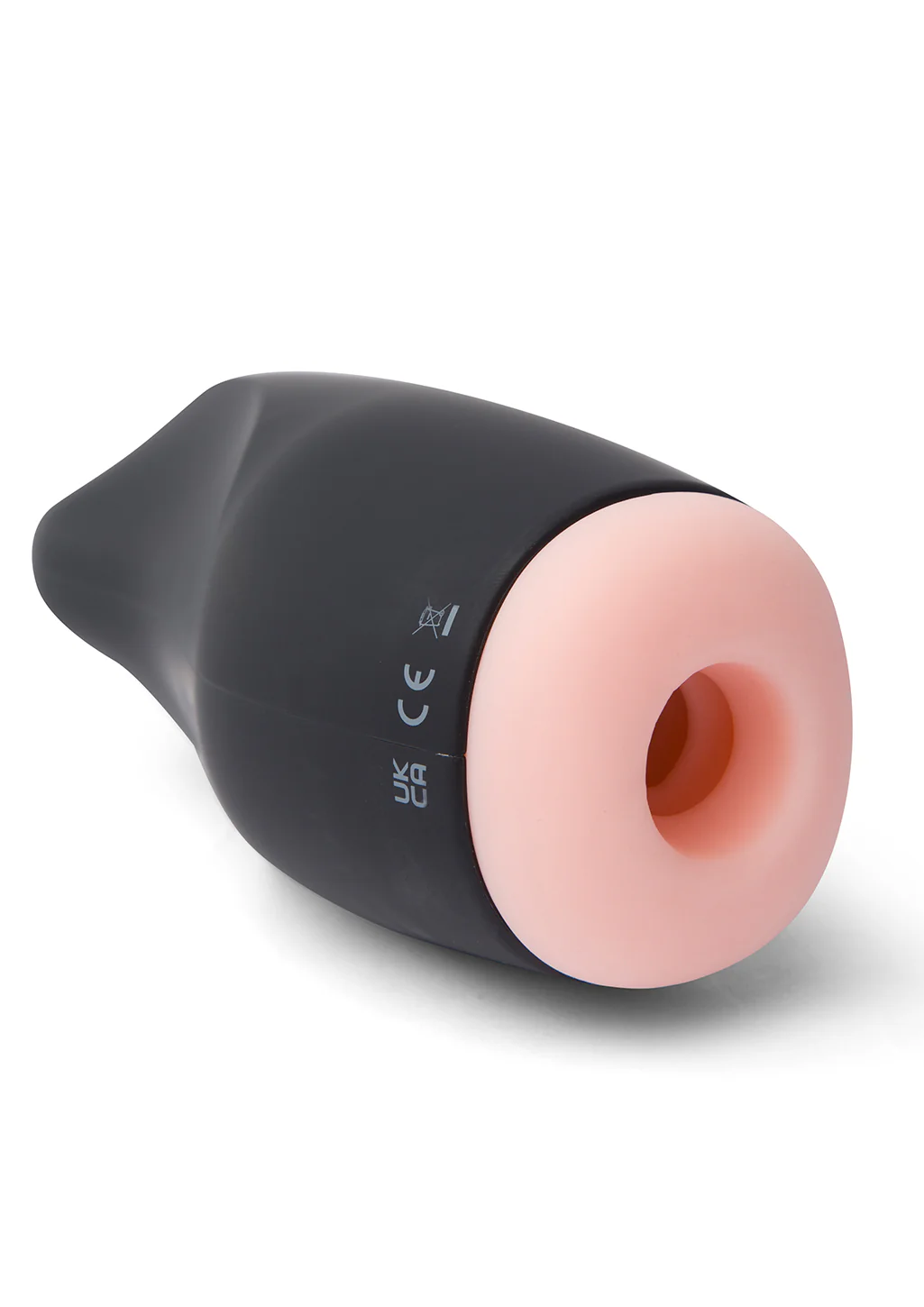
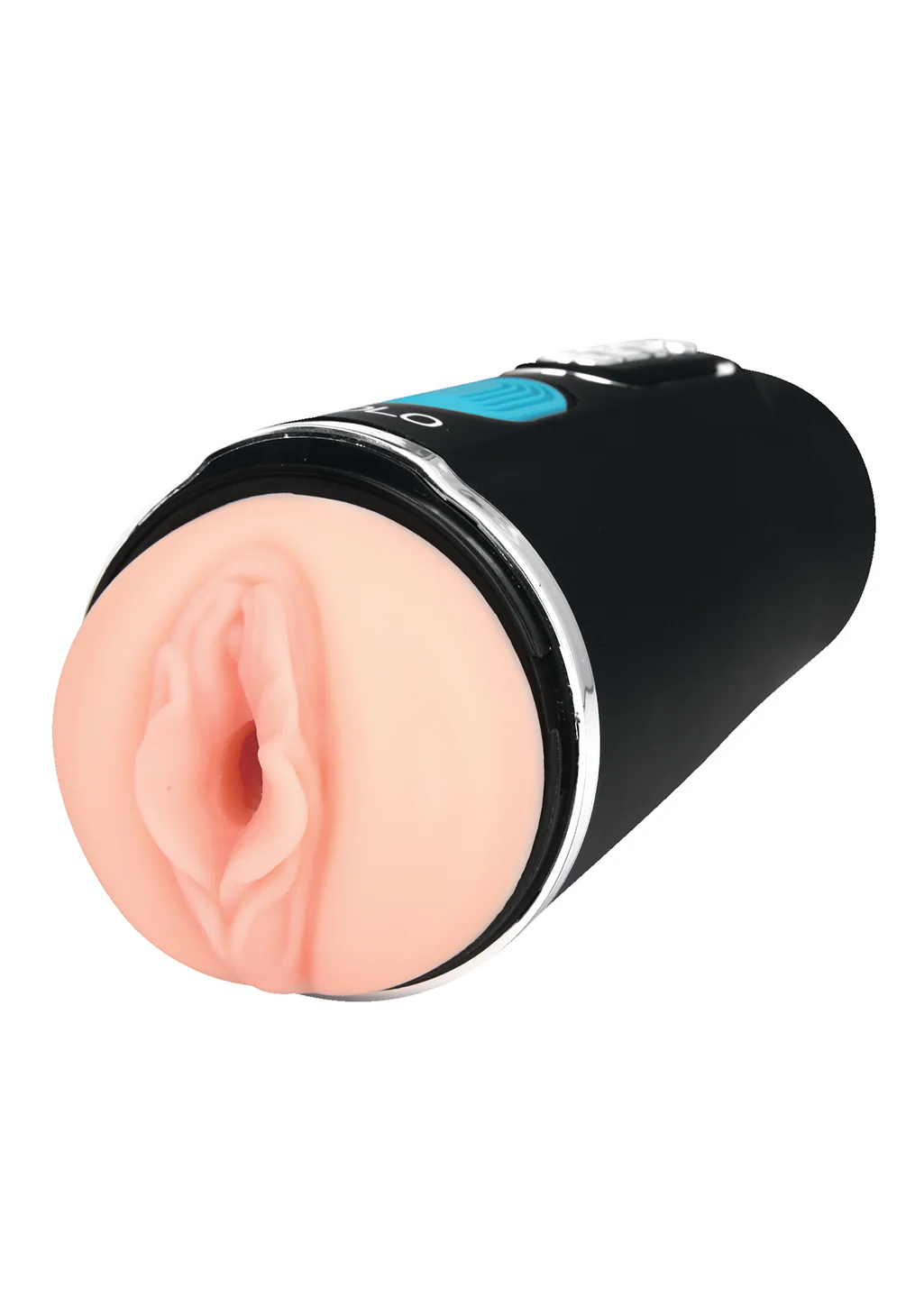
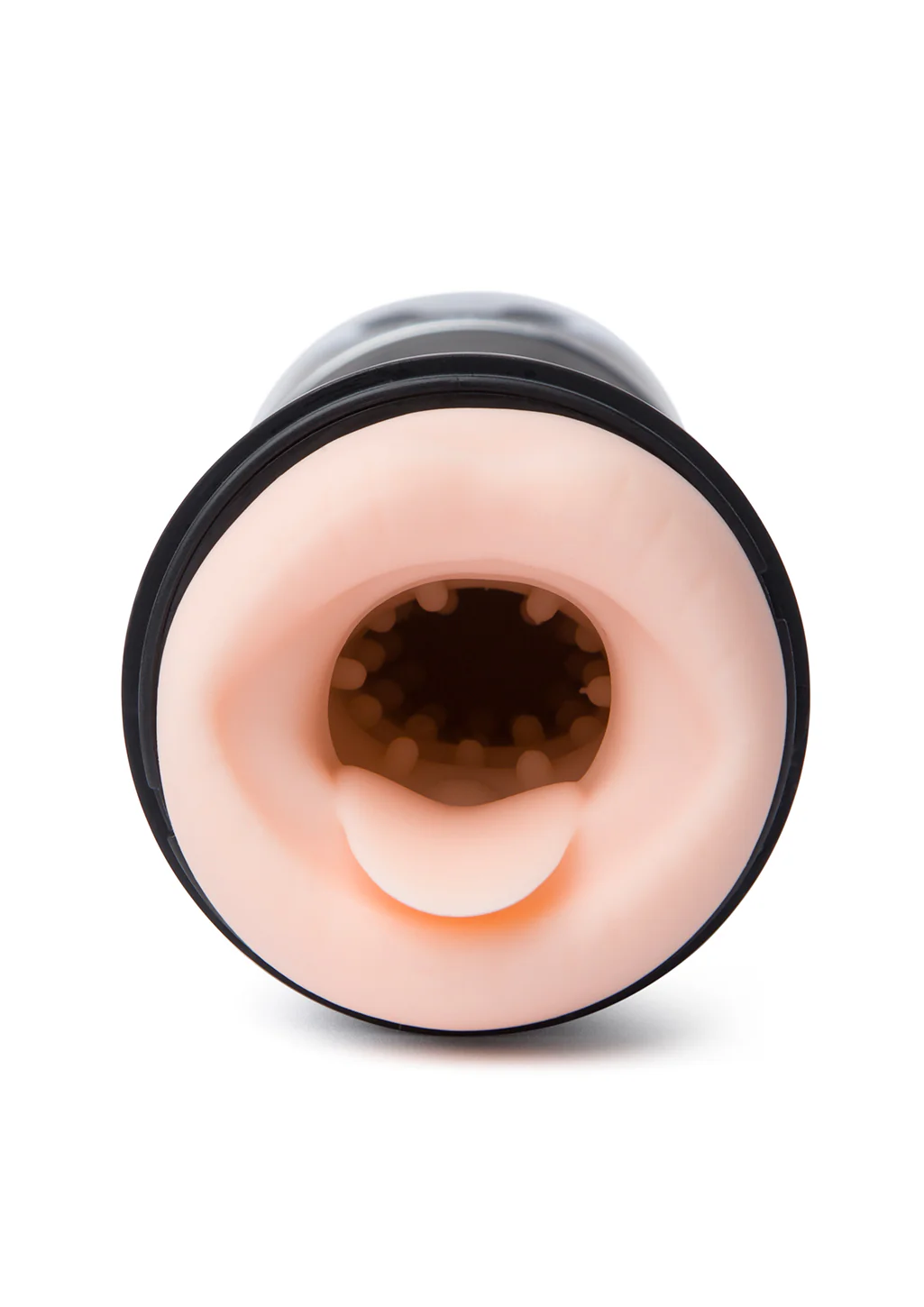
Replacement Sleeve (Thrustbuster)
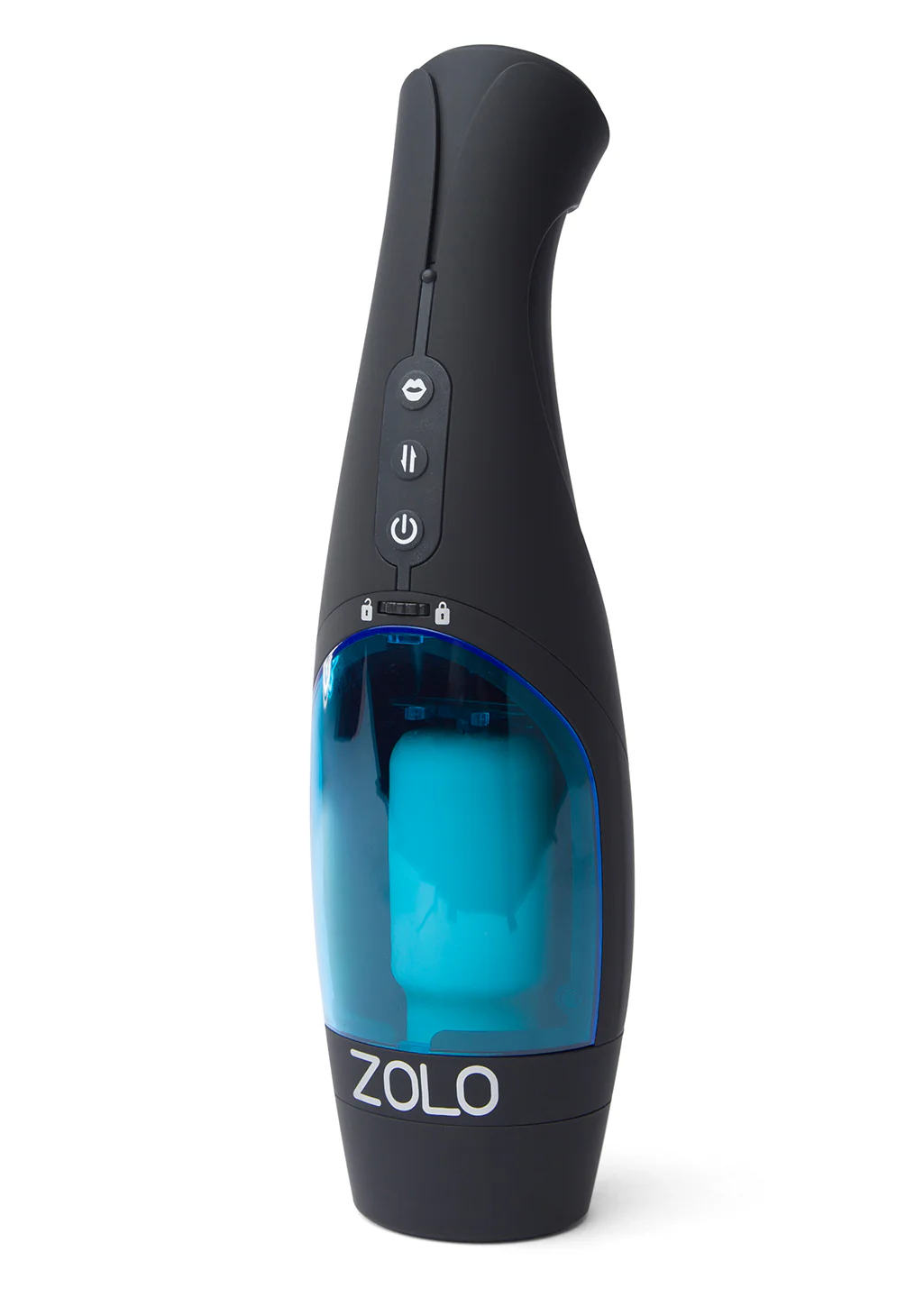
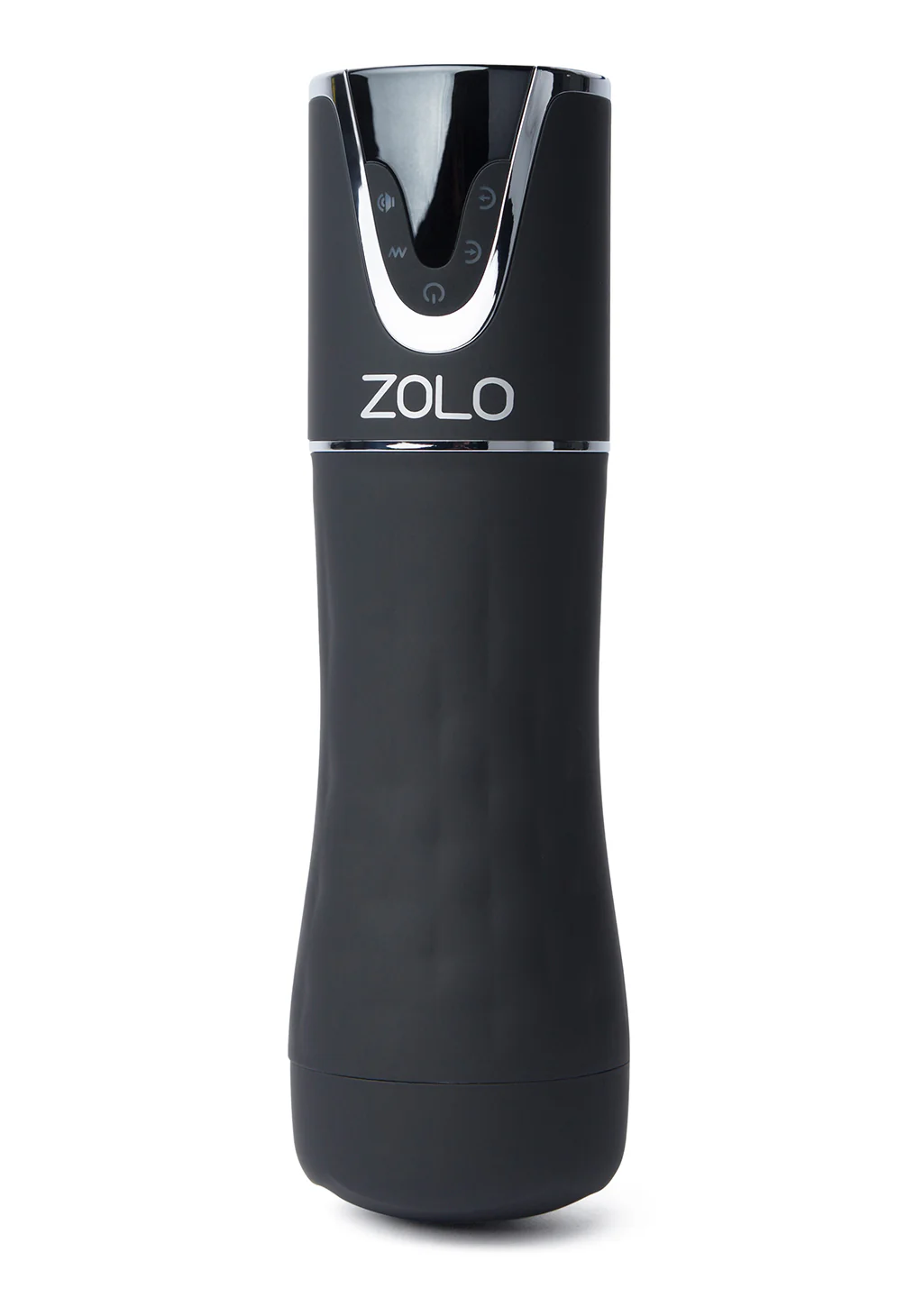
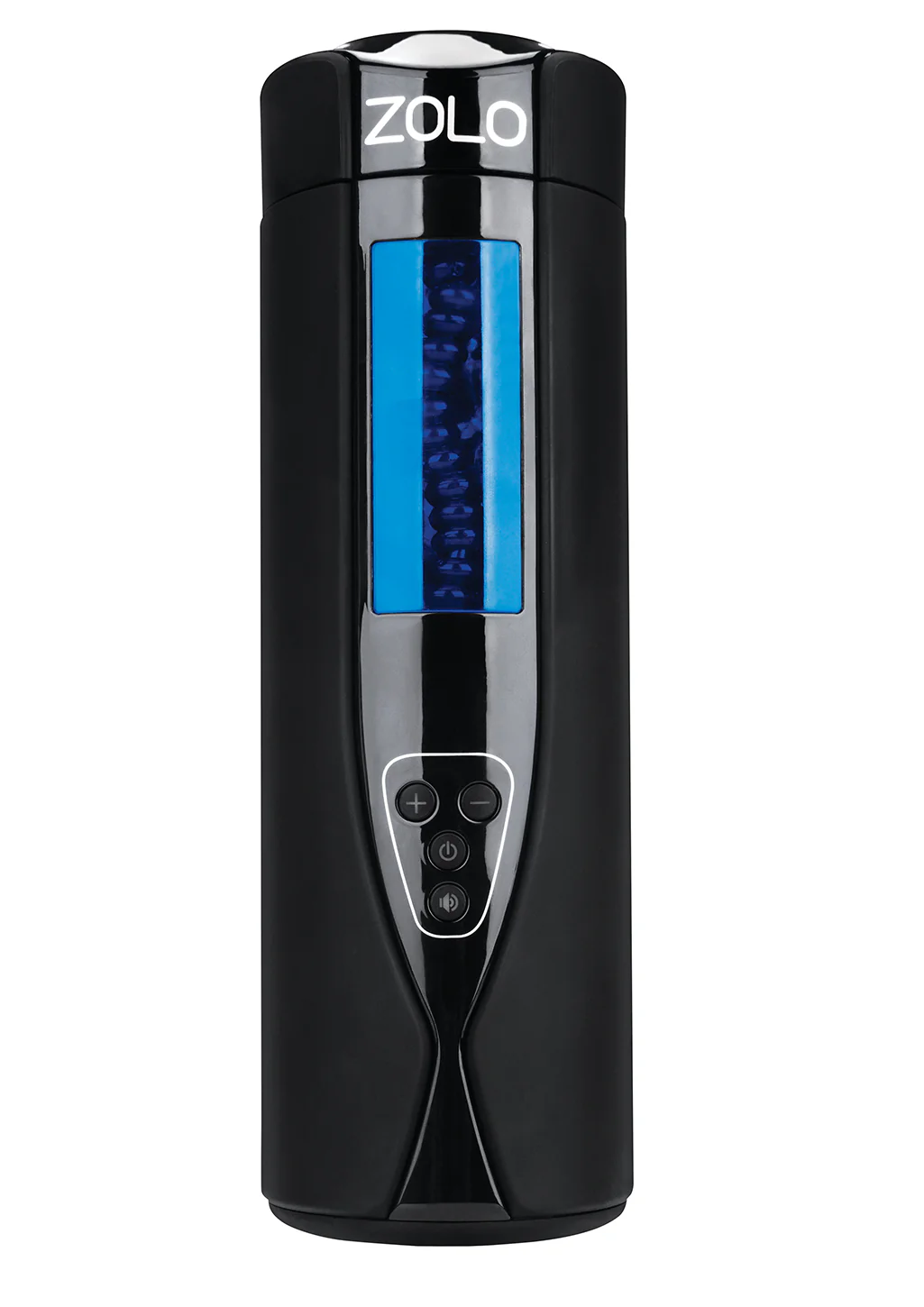
Looking for a new sleeve for your ZOLO Thrustbuster? Look no further. To replace the sleeve, follow these simple steps:
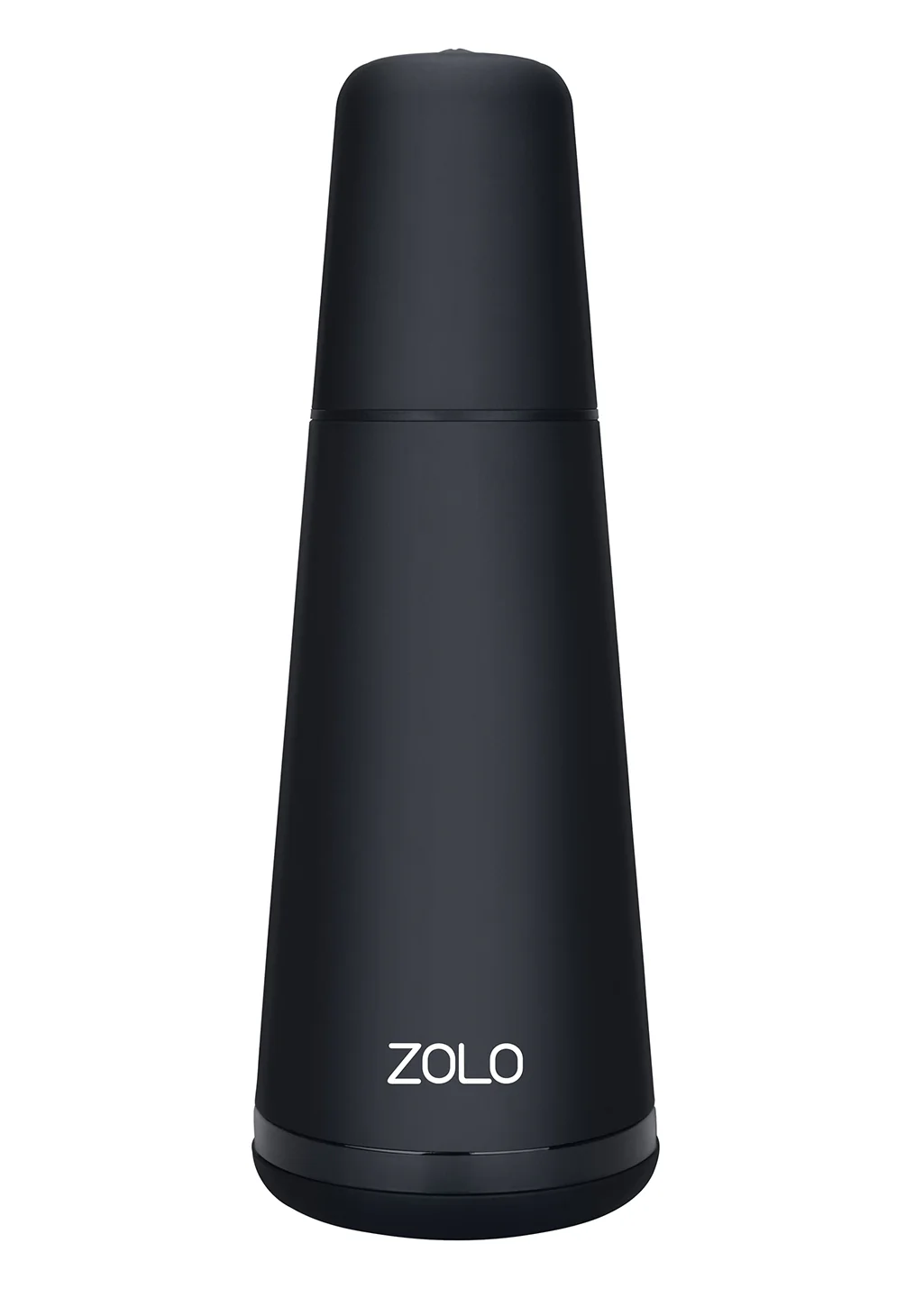
- Remove the cover cap
- Turn the lock wheel towards “ON” side to unlock
- Push the transparent cover backwards to open and take out the transparent cover
- Press down the lock and take out the stroker
- Rotate the middle circle counterclockwise to remove
- Take out the sleeve
- Insert and rotate the circle and press the lock down to insert the new sleeve
- Take the transparent cover and turn the lock wheel towards "off" to lock
$8.40
Original: $23.99
-65%Replacement Sleeve (Thrustbuster)—
$23.99
$8.40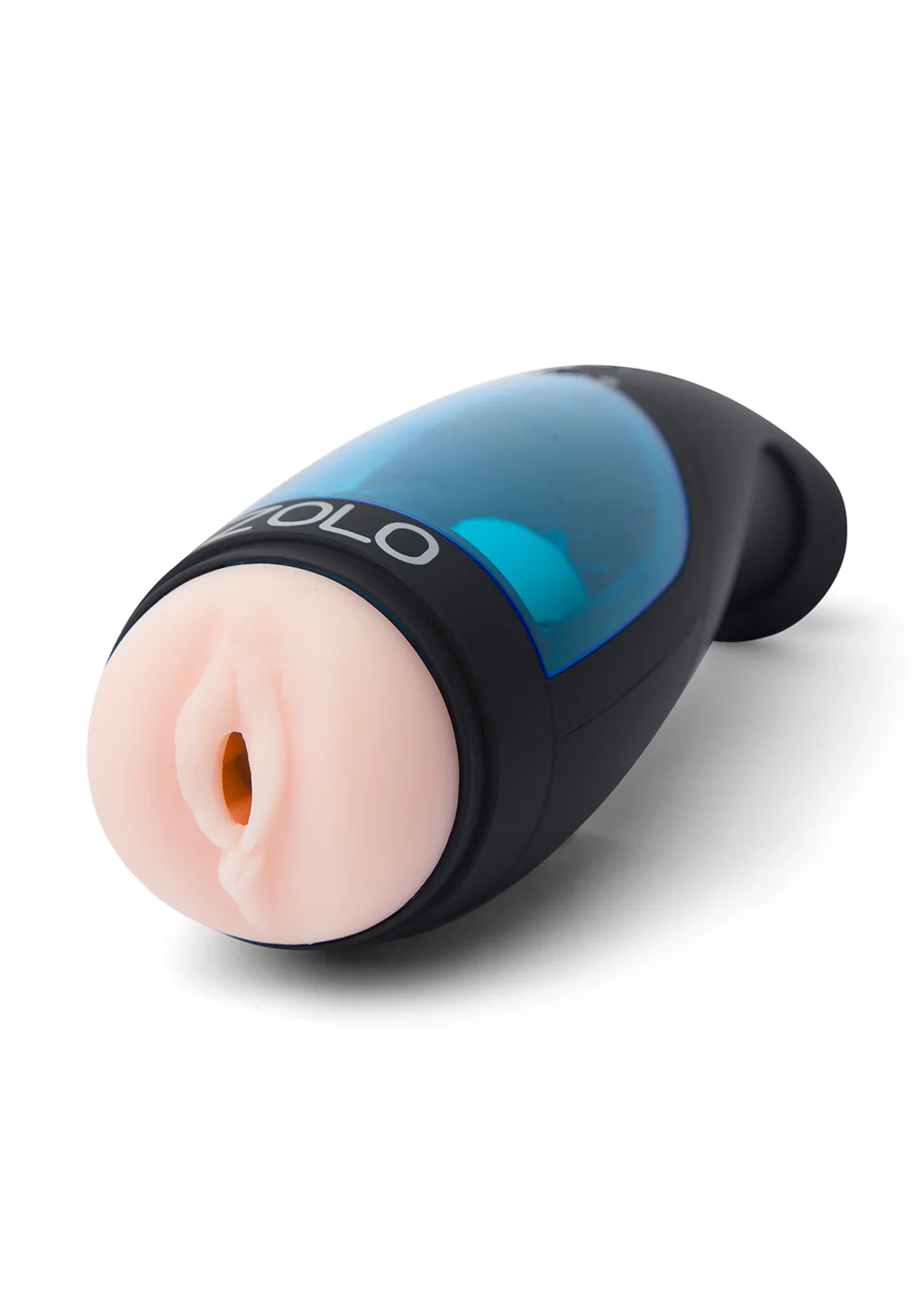
Description
Looking for a new sleeve for your ZOLO Thrustbuster? Look no further. To replace the sleeve, follow these simple steps:
- Remove the cover cap
- Turn the lock wheel towards “ON” side to unlock
- Push the transparent cover backwards to open and take out the transparent cover
- Press down the lock and take out the stroker
- Rotate the middle circle counterclockwise to remove
- Take out the sleeve
- Insert and rotate the circle and press the lock down to insert the new sleeve
- Take the transparent cover and turn the lock wheel towards "off" to lock